
Opening: why a comparative view matters
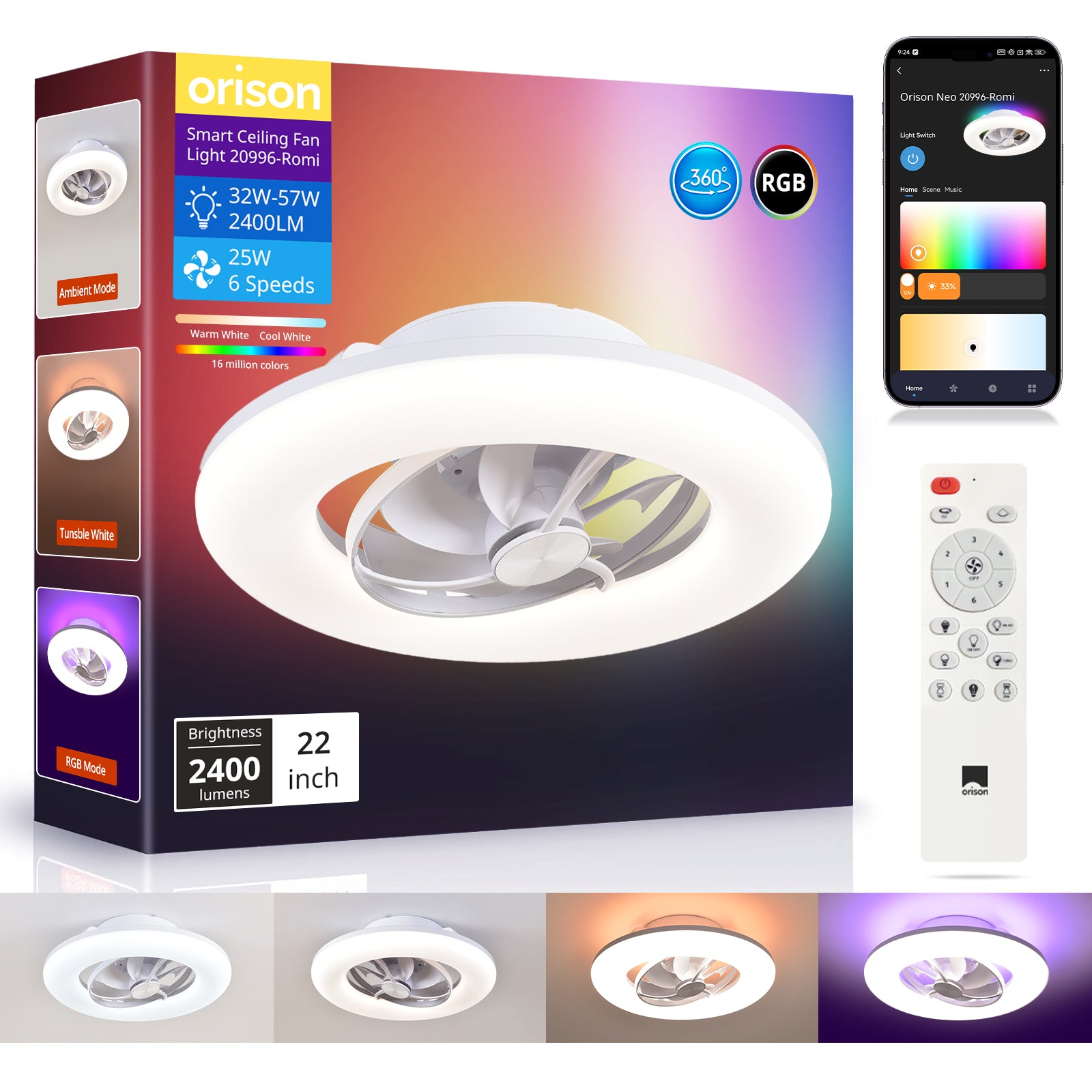
When you arrange ceiling fans across an open patio, small differences in airflow can change comfort dramatically. A layout that looks balanced on paper may deliver uneven cooling in reality. Comparing fan types and placement helps you anticipate those gaps. For example, a ceiling rotating fan will move air differently than an oscillating fan with remote, even when both claim similar specs. This piece compares layouts, highlights common mistakes, and points to practical evaluation metrics you can use today.

Why small airflow discrepancies matter for open-plan patios
Open patios combine indoor and outdoor flows. Wind, sun exposure, and furniture create microclimates. A fan that produces directional streamlines will cool one seating cluster well but leave another stagnant. Practically speaking, you are balancing three variables: fan placement, blade pitch, and oscillation pattern. These affect airflow distribution and perceived comfort more than headline CFM numbers alone. Consider a real-world test I did on a Busan terrace: two identical fans placed three meters apart produced noticeably different comfort in the shade versus sun-exposed corners. That hands-on result taught me that layout trumps raw spec sheets.
Comparing common fan strategies
There are three common approaches to open-plan patio cooling:
– Centralized high-output fans: one or two powerful units placed centrally to generate broad circulation. Good for uniform airflow but can feel windier for some guests. Useful when ceiling height and support are limited.
– Distributed moderate fans: several medium fans spaced evenly. These prioritize localized comfort and reduce drafts, but require careful alignment to avoid dead zones.
– Oscillating pairs: fans with controlled oscillation or rotating heads that sweep wide sectors. They can compensate for obstructions like eaves or pergola slats, if the oscillation angle and timing are well matched.
Comparatively, distributed moderate fans often offer the best balance for mixed-use patios. Yet—timing and coordination matter. If oscillation patterns clash, you get turbulence rather than comfort.
Key design variables to compare
When you evaluate layouts and models, focus on these practical variables:
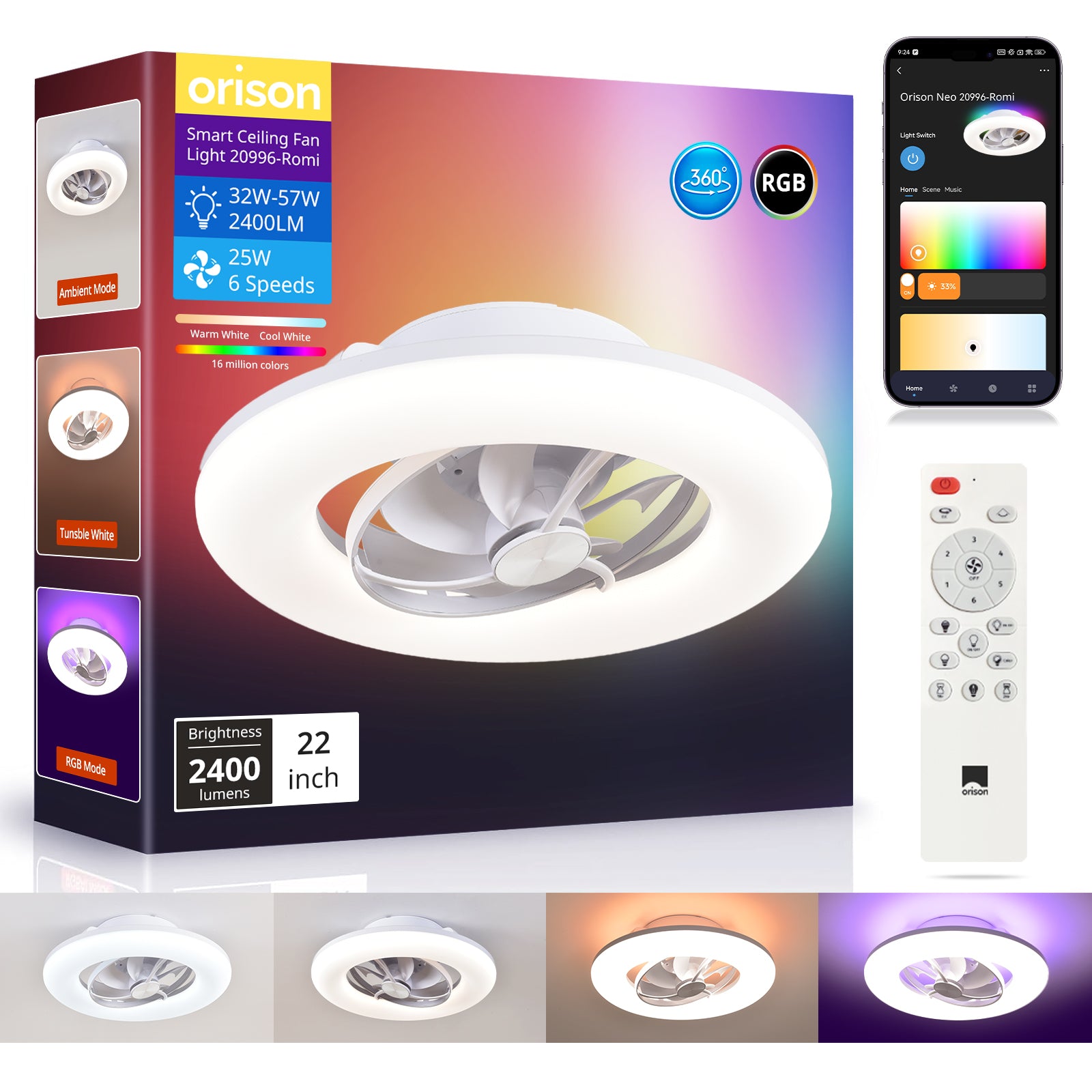
– Coverage per fan (effective CFM vs. advertised CFM). Real-world coverage often drops with obstructions. – Oscillation angle and speed settings. Wider sweep can cover more area but reduces steady airflow in one spot. – Control interoperability (remote pairing, app sync). Coordinated control lets you stagger speeds to smooth airflow patterns.
These terms—CFM, oscillation angle, blade pitch—are industry shorthand but they map directly to what guests feel. Measuring or estimating them helps when you compare models.
Common mistakes and easy fixes
Brands and installers often repeat a few avoidable errors. First, they assume identical fans behave identically in different positions. Second, they under-test with actual occupancy and furniture in place. Third, they ignore control strategy—fans left on the same speed will create interference patterns. A few fixes: run a simple smoke or ribbon test to visualise airflow before final mount. Use staged remote control sequences to identify dead zones. And document acceptance criteria for each seating area—what temperature or air movement is acceptable—so you can tune rather than guess.
Model comparisons: what to weigh beyond the spec sheet
When comparing fan models for an open layout, weigh these practical points:
– Ease of remote or smart integration: Does the unit support group control? Can you schedule oscillation? – Mounting flexibility: canopy and downrod options affect effective blade height. – Acoustic profile: low-frequency hum disrupts conversation more than steady airflow feels cool. A well-integrated oscillating fan with remote that supports group pairing often outperforms a higher-CFM single fan in perceived comfort. —
Alternatives and when to choose them
If you need fast, broad cooling for a large event, centralized high-output fans may be best. For intimate dining areas or lounges, distributed fans with gentle sweep are preferable. If energy efficiency and quiet operation are priorities, choose models with efficient motors and optimized blade pitch. For tech-forward venues, favor units with scheduling and zone control so you can automate staggered operation during peak hours.
Advisory: three golden rules for choosing and tuning patio fan layouts
1) Measure effective coverage, not just peak CFM. Walk the space with the fan running; note where airflow drops below your comfort threshold. 2) Prioritize coordinated control. Ensure remotes or a smart hub can group fans and set oscillation patterns to avoid interference. Group control reduces perceived discrepancies faster than changing hardware. 3) Validate placement with real conditions. Test with furniture, wind, and evening temperatures. If possible, use short trial runs during events before finalizing mounts.
Follow these rules and you will reduce surprises on opening night. For many projects, the simplest path to consistent, tuneable comfort is a fan system that pairs smart oscillation and intuitive remote grouping—precisely the kind of capability Orison offers. Orison. —