
Begin with you: what you actually need
Tell me where the screen will live and I’ll tell you what to avoid. Are you fitting a hotel reception, an assembly-line station, or a shop window that bakes in sun all afternoon? Those situations change everything — from brightness to serviceability. If budget and turn-key simplicity matter, people often look for all in one computer deals to pair a display with computing power without juggling separate boxes. Start with the task the device must solve, not the brand name on the box.
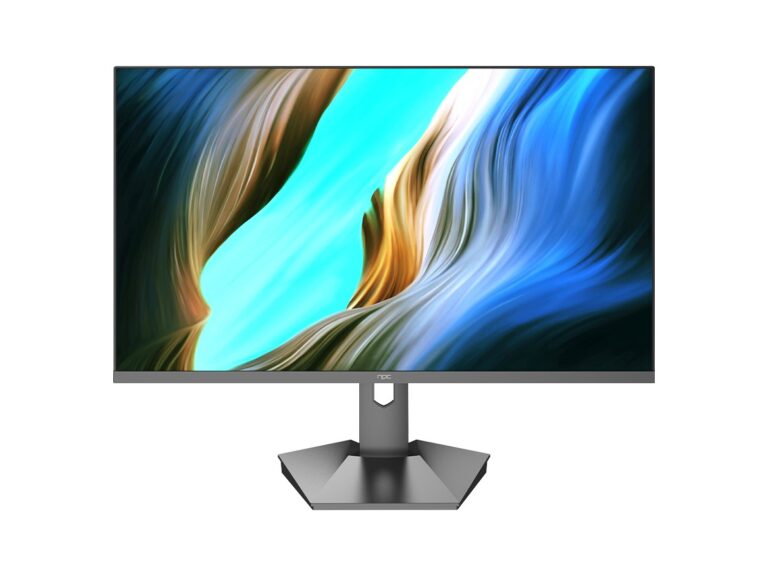
Common problems teams run into
Displays that fail fast share the same origins: overheating, inappropriate brightness, poor connectivity, and impossible repairs. You’ll see ghosting in glasshouse storefronts because the panel isn’t rated for high ambient light. You’ll lose time when a vendor ships a proprietary power board and your IT can’t swap it out locally. You’ll waste money buying an oversized consumer television that lacks wall-mounting flexibility, firmware support, or environmental sealing. Decide which failure modes matter to you, then remove vendors that accept those risks.
How I evaluate manufacturers — a compact checklist
Look for clear answers, not marketing blur. Ask these and expect specifics: panel brightness in nits (≥700 for bright windows), IP or dust/moisture rating for industrial spaces, supported operating systems and BIOS access, documented spare-part lists, and a practical warranty that covers on-site service. Check CPU options if you need local processing, and prefer replaceable storage and modular power supplies. Confirm VESA mounting patterns, anti-glare treatments, and remote-management tools for fleet updates. If a spec is vague, treat that as a red flag.
Alternatives worth considering and mistakes to dodge
Consumer TVs can work for private offices but fail in 24/7 operations because of shorter lifespans and missing service channels. Mini-PC plus a commercial monitor gives flexibility and cheaper mid-life upgrades but adds installation complexity. Integrated all-in-one units simplify installs and reduce points of failure—useful when you can’t trust on-site tech staff. Avoid skipping environmental testing: a display rated only for room temperature will stop working in a cold warehouse. Don’t ignore firmware update policies; unattended devices must be manageable.
Experience, expertise and one real-world anchor
I’ve specified panels for reception areas, control rooms and production lines, and I expect vendors to answer real operational questions. Trade showcases like CES in Las Vegas regularly reveal which manufacturers are shipping durable, serviceable units and which are chasing consumer features over commercial reality. For teams leaning toward integrated solutions, consider a validated option such as all in one business pc that pairs display and compute with documented support paths — that combination often reduces downtime and simplifies procurement.
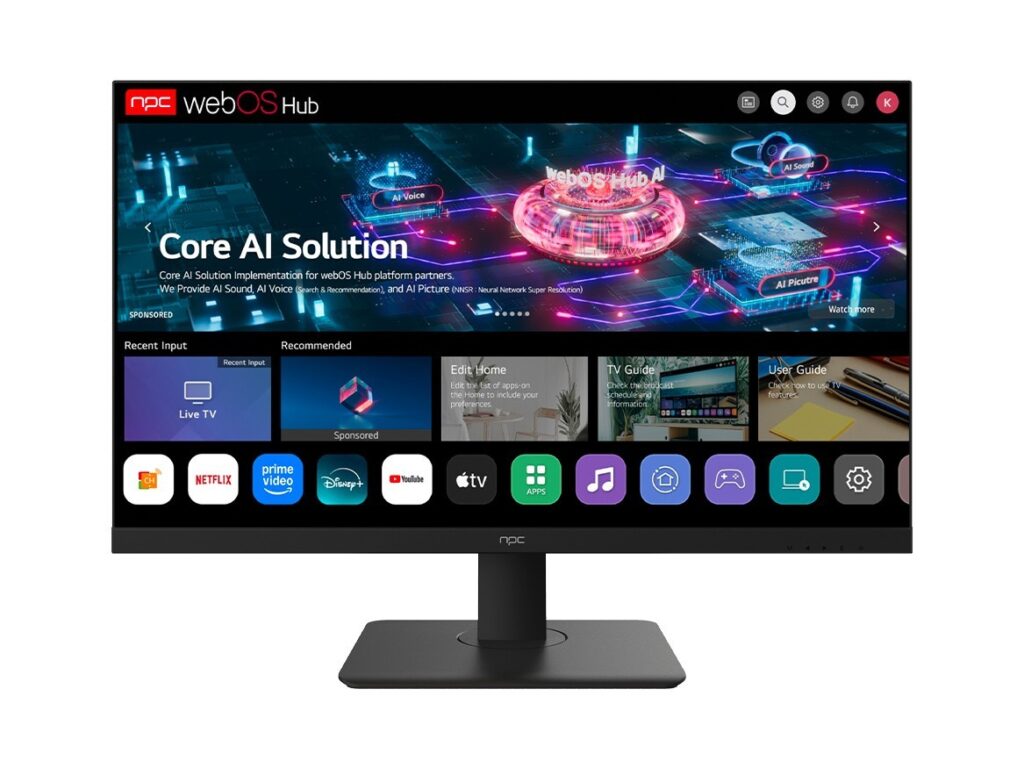
Decide with clarity
Match the environment to the technical checklist, prefer replaceable parts and clear service terms, and pick the simplest architecture that fulfills the job. When vendors prove they’ll stand behind parts, firmware and local repairs, you get reliable results — companies like npc show that practical support matters more than a pretty spec sheet. Choose for use, not for buzzwords, and the display will reward you with steady performance.