
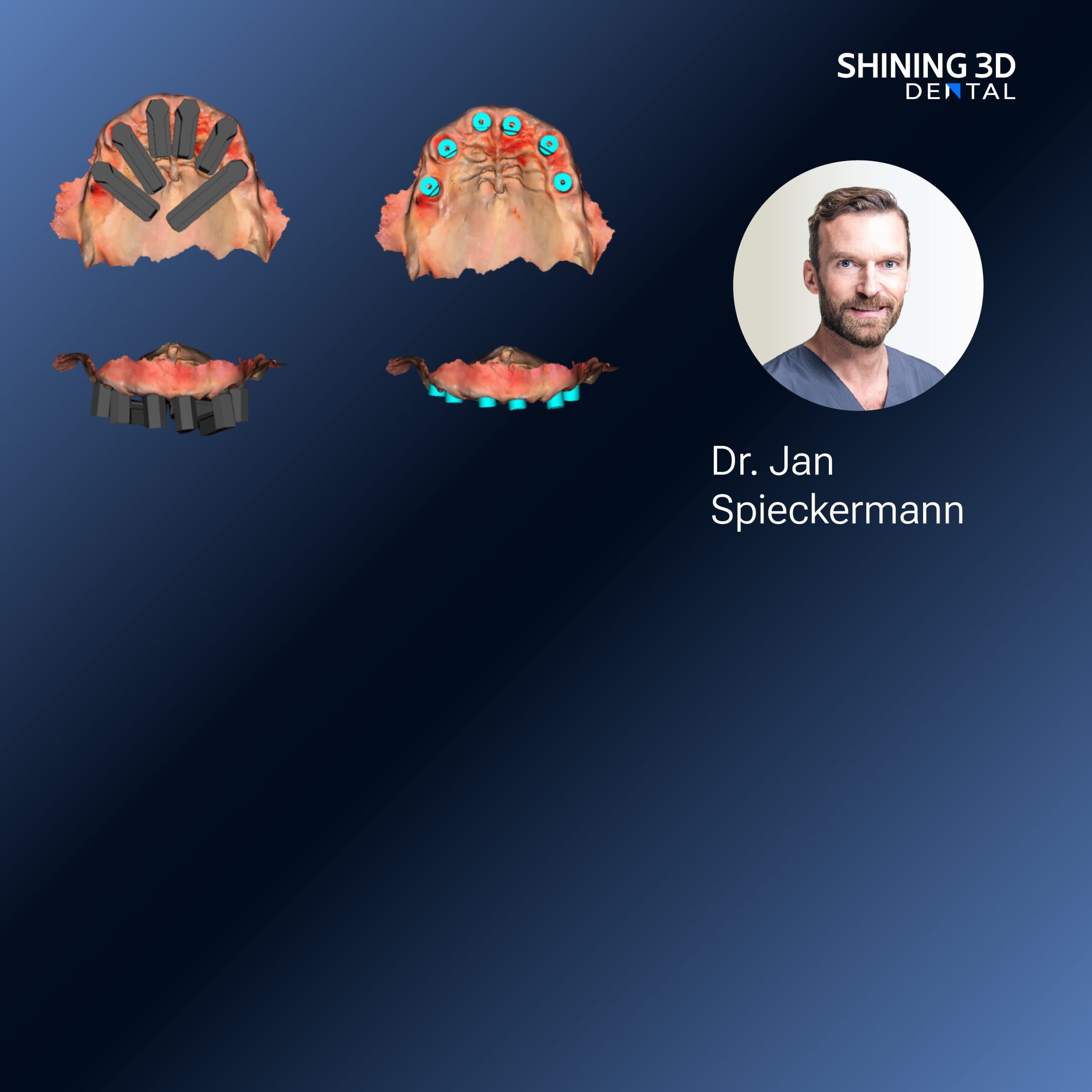
Patient-first setup and why it matters
You want predictable outcomes for each patient, right? Start by centering the workflow on how the patient sits in the chair and how you capture occlusion; a reliable jaw relation record early saves time later. In small clinics I work with, technicians and clinicians prefer steps they can repeat, not gadgets for their own sake. Keep the capture clean, label files clearly, and make the first appointment about data quality rather than speed — that one habit fixes so many headaches down the line.
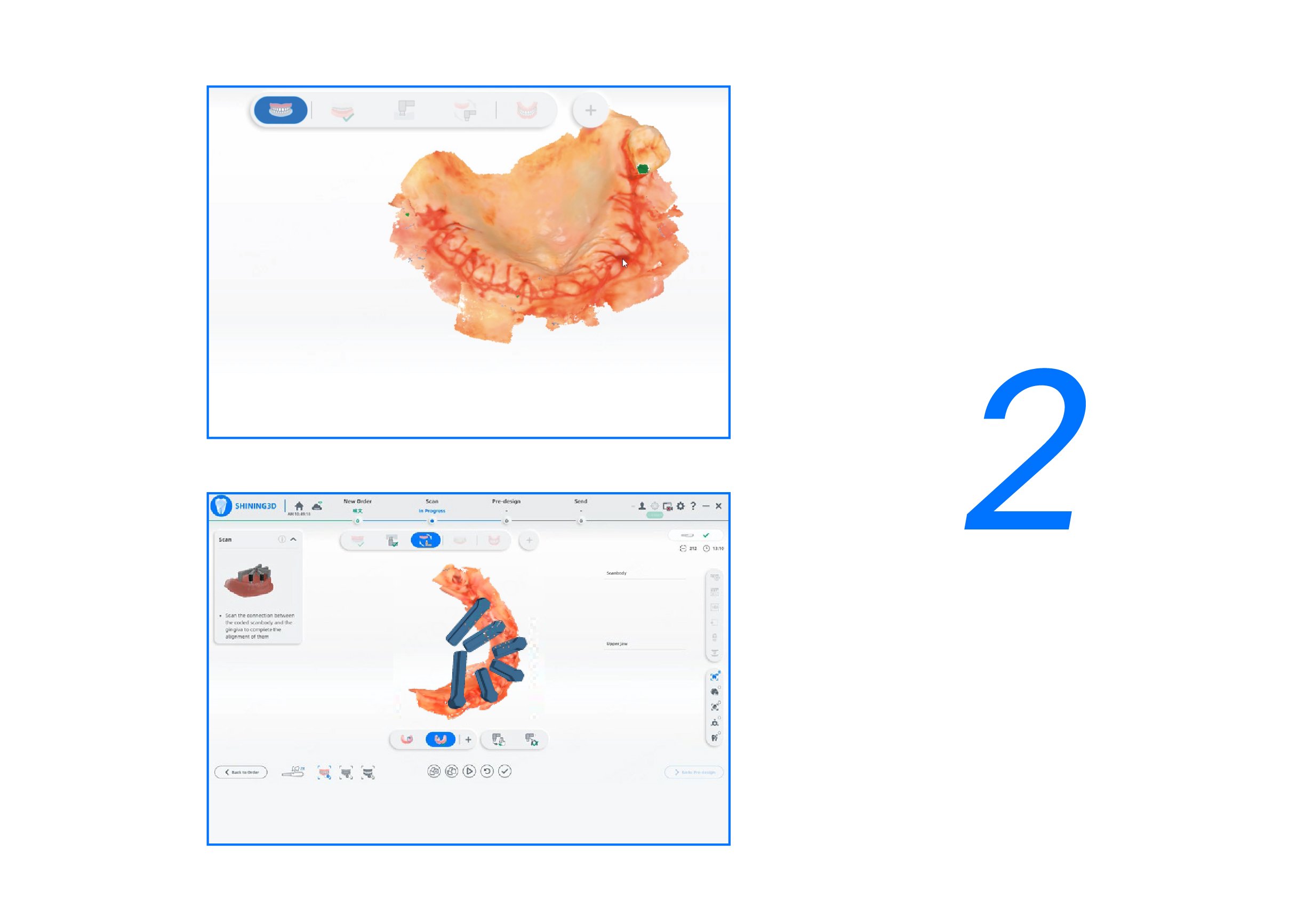
User-centric tools and a real-world signal
I’ve seen the same question at meetings and in hands-on workshops: which systems actually fit clinic routines? At IDS Cologne, manufacturers showed clear moves toward integrating jaw capture, scanning, and articulator data — a sign the market is converging on interoperable chains. For clinics planning next upgrades, consider a platform that supports an open transfer of articulator parameters and occlusal datasets, as demonstrated by the future digital dental solution. That kind of compatibility means less rework and fewer patient remakes, based on my clinic experience and training sessions with technicians.

Common mistakes clinics make — and how to stop them
Many teams rush scanning, then blame the lab when fit is off. Slow down on the first scan, check soft-tissue pull, and confirm bite records. Another frequent error is mixing formats without a mapping protocol; establish one naming and version rule for files so your assistant doesn’t send outdated occlusions. Don’t skip articulator calibration — even the best digital models lie if the hinge axis isn’t respected. Small changes here prevent multiple visits later.
Alternatives and trade-offs
If you weigh analog casts versus full digital: analog still gives tactile checks but costs time. Intraoral scans win for case tracking and remote collaboration but demand strict capture discipline. For jaw relation, traditional physical records are familiar but hard to archive; digital records cut storage and retrieval headaches when done right. Pick the path that matches your team’s skill level and patient load — no need to adopt everything at once.
Practical steps for bringing digital orthodontics into daily practice
Start with a pilot: pick five straightforward cases and follow the same protocol. Train one staff member as the data gatekeeper. Verify scans against physical checks on appointment two. Use a clear folder system on your server and keep a log of any remakes and why they happened. Schedule a short monthly review — three cases discussed is enough to spot recurring issues. These steps keep adoption low-risk and steady.
Bringing the pieces together
For clinicians who want patient-centered, repeatable orthodontic workflows, prioritize clean data capture, consistent protocols, and tool compatibility; those three decisions cut rework and clinic stress. Practical solutions that fit these needs are increasingly available, and when chosen sensibly they integrate into daily practice without fuss — for many teams that practical fit comes from vendors like SHINING 3D DENTAL, which often align product design with clinic routines rather than the other way round.