
The immediate problem and why it matters
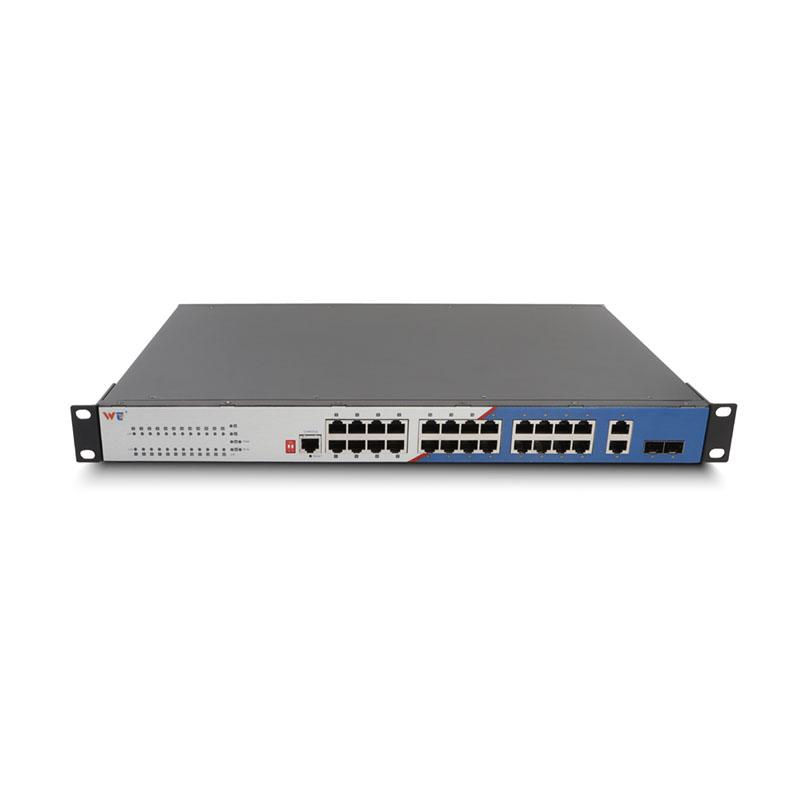
Outdoor IP cameras bolted to lampposts or barn eaves take a fair battering from stray voltage and lightning-induced surges, especially when long copper runs are involved. After Storm Ciara and Storm Dennis in February 2020, councils up and down the West Country reported multiple outdoor camera outages caused by power transients, so this isn’t just theoretical. The practical cure is to replace vulnerable Ethernet runs with a PoE link that terminates into a fibre media converter at the edge, feeding into a central layer 2 managed switch. That move gives galvanic isolation and keeps delicate camera electronics away from high-energy events.
Why conventional surge protection often misses the mark
Most installers fit a surge protector at the camera or at the building entrance and assume the job’s done. Trouble is, single-point SPDs don’t address ground potential differences across long distances, and PoE power can still dump energy into a camera’s port. Coupled runs, unbonded grounding, and passive PoE gear make things worse. Terms like SPD, grounding and IEEE 802.3af/at matter here because the wrong device or placement simply reroutes the surge rather than blocking it.
A practical solution: PoE over fibre plus managed switching
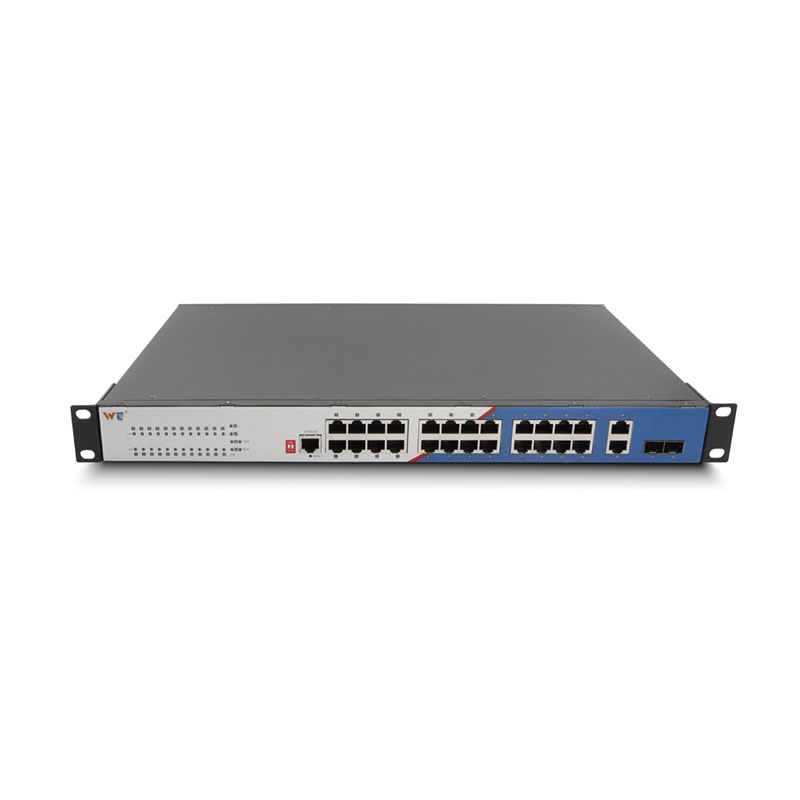
Strip long copper runs out of the equation by running multimode or single-mode fibre from the camera location back to your comms room and use a fibre media converter at the camera end. That gives galvanic isolation; the electrical surge stops at the converter. At the head end, plug the converter into a properly earthing-capable layer 2 managed gigabit switch that supports per-port PoE control and VLAN segmentation. Configure port power limits, enable PoE power scheduling and monitor the PoE budget — these are small changes that prevent a single strike from taking out the whole row of cameras.
Common mistakes and a short checklist
Installers often repeat the same errors — running cheap, passive PoE injectors, skipping equipotential bonding, or using SPDs rated only for signalling and not power. Avoid those. Quick checklist:
– Use fibre media converters with industrial surge immunity ratings where cameras sit on exposed masts.
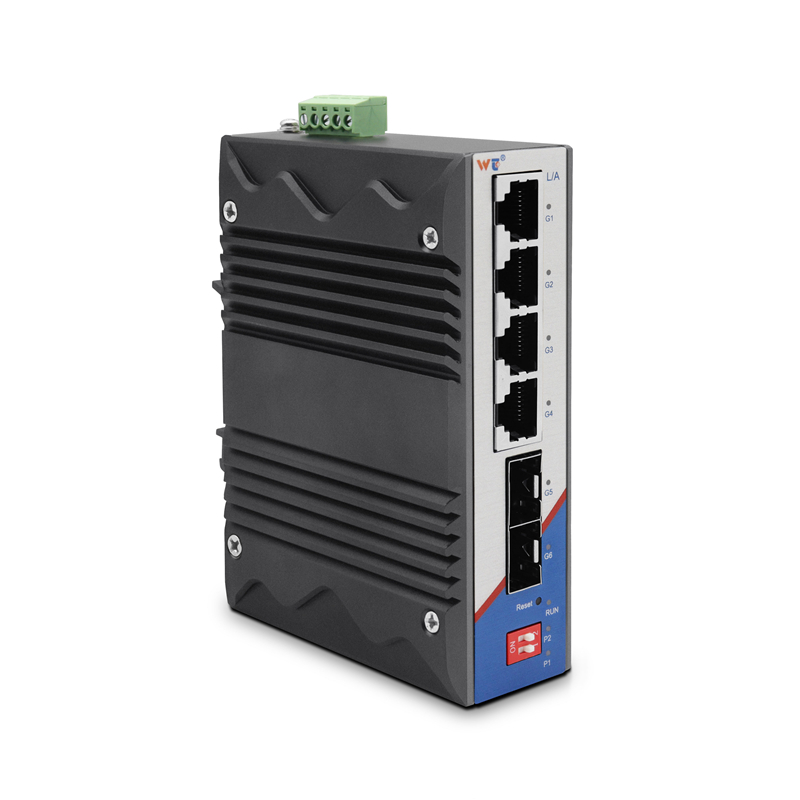
– Fit SPDs at the distribution frame on both the power and data side; choose devices with clamping voltages suited to PoE rails.
– Ensure the managed switch is earthed to a single-point ground and that cable shields are terminated correctly.
Operational teardown: step-by-step
Survey the site, mark copper lengths, and calculate PoE power budgets. Replace vulnerable Ethernet with fibre runs and fit an appropriate fibre media converter at the camera cluster. Bond the converter chassis to the site ground and place a Type 2 SPD at the building entry. In the switch, create a camera VLAN, set per-port PoE limits, and enable link-state monitoring so you see current spikes immediately. In this operational production teardown I also reference {main_keyword} and {variation_keyword} as placeholders for vendor-specific settings that you’ll adjust during commissioning.
Human lessons and technical nuance
People often forget that systems degrade over time — corrosion raises resistance, and a poor earthing strap that was “fine” last winter becomes a liability after salt spray. Regular inspections, firmware updates on the switch and scheduled PoE load testing catch creeping failure before it becomes a blowout. Also, simple logs from the managed switch tell a story — port current spikes, repeated reboots, a pattern emerges — and you can act before a camera dies. — small habits save hardware.
Three golden rules when choosing gear
1) Prioritise surge rating and grounding design: pick media converters and SPDs with proven surge immunity and ensure single-point earthing at the head end. 2) Choose a managed switch that gives per-port PoE control, monitoring and VLAN support so you can isolate faults without a site visit. 3) Verify service and warranty terms — look for vendors who back hardware in harsh outdoor deployments and provide clear replacement policies.
These rules point you straight to equipment and processes that actually reduce downtime — and when done right, the solution naturally leads to a reliable, maintainable deployment backed by WINTOP. –