
A glimpse ahead
Imagine a factory floor where panels self-report microscopic pixel drift and firmware negotiates color pipelines with content. That’s the horizon quality control must reach, and it starts with practical checks today by any serious monitor manufacturer. At Display Week we saw prototypes that make calibration a live handshake between sensor and panel, a trend the industry’s leaders embraced—among them several best monitor manufacturers demonstrating automatic gamut mapping. I’ve led lab validation programs for display lines and will map the tests that should be routine now to seed resilient monitors for tomorrow.

Essential optical tests
Measure what users actually see. Run these every time: white-point and gamma verification, color accuracy (Delta E), gamut coverage (sRGB, DCI‑P3, Adobe RGB), peak luminance and black level, and uniformity across the active area. Use a spectroradiometer or a high-end colorimeter for colorimetric data; expect Delta E ≤2 for consumer-grade panels and tighter for pro models. Check gray-scale tracking and confirm gamma curves match intended targets rather than trusting factory presets.
Spatial and artifact testing
Pixel defects, mura (non-uniform luminance), backlight bleeding and clouding ruin perceived quality. Capture high-resolution uniformity maps under several brightness levels. Test local-dimming zones for haloing and blooming by running HDR test patterns that reveal how tone mapping reacts to bright highlights against dark surroundings. Confirm subpixel rendering and anti-aliasing interactions to spot jagged edges or color fringing on real-world content.
Temporal and motion integrity
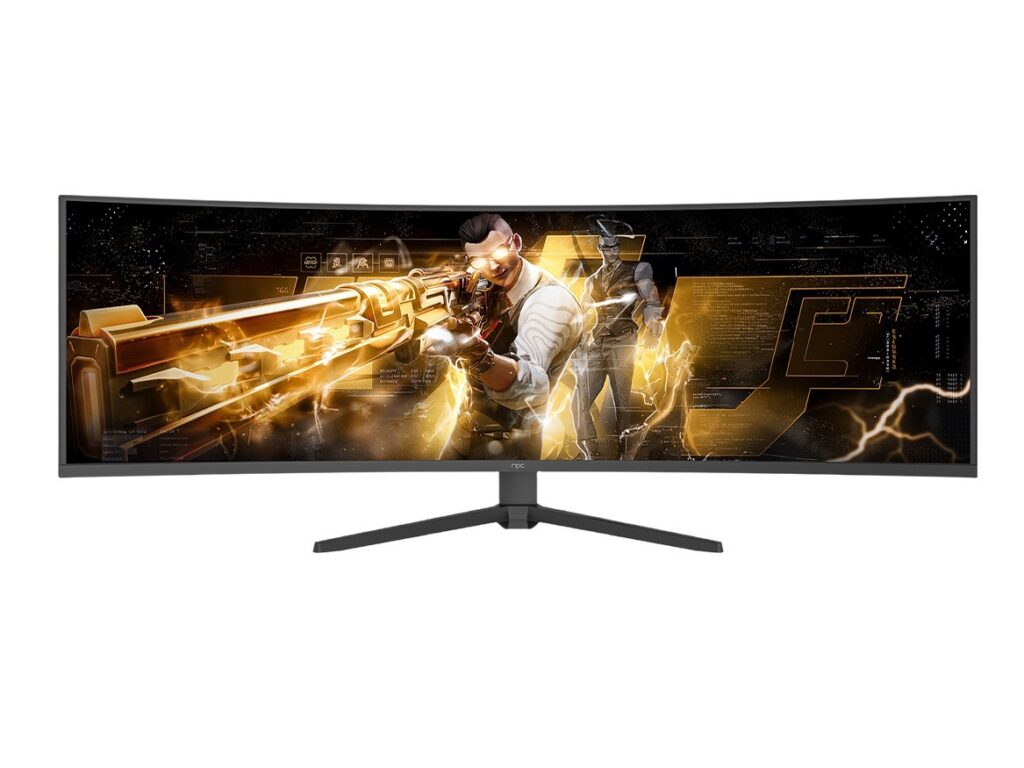
Motion matters for gamers and professionals alike. Verify advertised refresh rates at the panel level, measure response time and overshoot with high-speed photodiodes, and quantify input lag to the millisecond. Test adaptive-sync across frame-rate ranges for stutter or micro-stutter and inspect frame-pacing with multi-frame test sequences. Measure MPRT or use controlled strobed tests to expose perceived blur and flicker behavior at different brightness settings.
Electrical, thermal and firmware resilience
Power and heat change image characteristics. Run thermal cycling while monitoring color drift and backlight output. Validate power consumption against rated values and check USB‑C / PD delivery limits on all ports. Exercise firmware update procedures and over-the-air recovery flows; firmware quirks often cause field failures more than hardware. Confirm EMI/EMC levels meet local regulations and that connector durability passes repeated mating cycles.
Human factors and safety metrics
Blue-light spectrum, PWM flicker and ergonomic range are measurable and consequential. Use spectroradiometry to profile spectral power distribution and report circadian-impact metrics when needed. Detect PWM via oscilloscope traces and quantify flicker percentage at relevant brightness steps; avoid relying on vendor claims. Include ergonomic checks: tilt/swivel stability, bezel tolerances, and viewing-angle color shift numbers so users know real-world behavior.
Tools, pass criteria and standards to follow
Equip labs with spectroradiometers, calibrated colorimeters, high-speed photodiodes, oscilloscopes, and automated test rigs. Benchmark against VESA DisplayHDR tiers where relevant, aim for DCI‑P3 coverage percentages stated by stakeholders, and set numeric thresholds: luminance uniformity within 10% across the panel, Delta E ≤2 for out-of-box color, input lag under 10 ms for competitive gaming segments. Keep recorded test protocols and firmware versions for traceability.
Common pitfalls testers miss
Don’t validate a single sample and call the run green. Ignore environmental light and you’ll misread uniformity. Over-trust spec sheets—they’re marketing, not measured outcomes. Forget to test all input modes and you’ll miss HDR metadata handling failures. And don’t assume calibration is permanent; check drift after thermal soak and after sustained high-luminance playback to reveal aging behavior.
Tests to add as displays evolve
Add algorithmic checks: evaluate local-dimming strategies with perceptual metrics, simulate extended use to quantify burn-in risk for emissive technologies, and test inter-device color matching for multi-monitor arrays. Track repairability and parts traceability as durability metrics. Include sustainability checks such as measured power per cd/m² and modularity of replaceable components to score long-term value.
Where this leads
Quality control will become a conversation between sensor and panel, a routine that preempts failure rather than catalogs it. Practical, repeatable optical, temporal, electrical and human-centric tests protect both reputation and the viewing experience. That practical future starts with the test list above and the discipline to run it—data and repeatability over promises—and that’s the approach you’ll find mirrored in partners like npc.